Home and desk

Make leg risers that lift your furniture to size

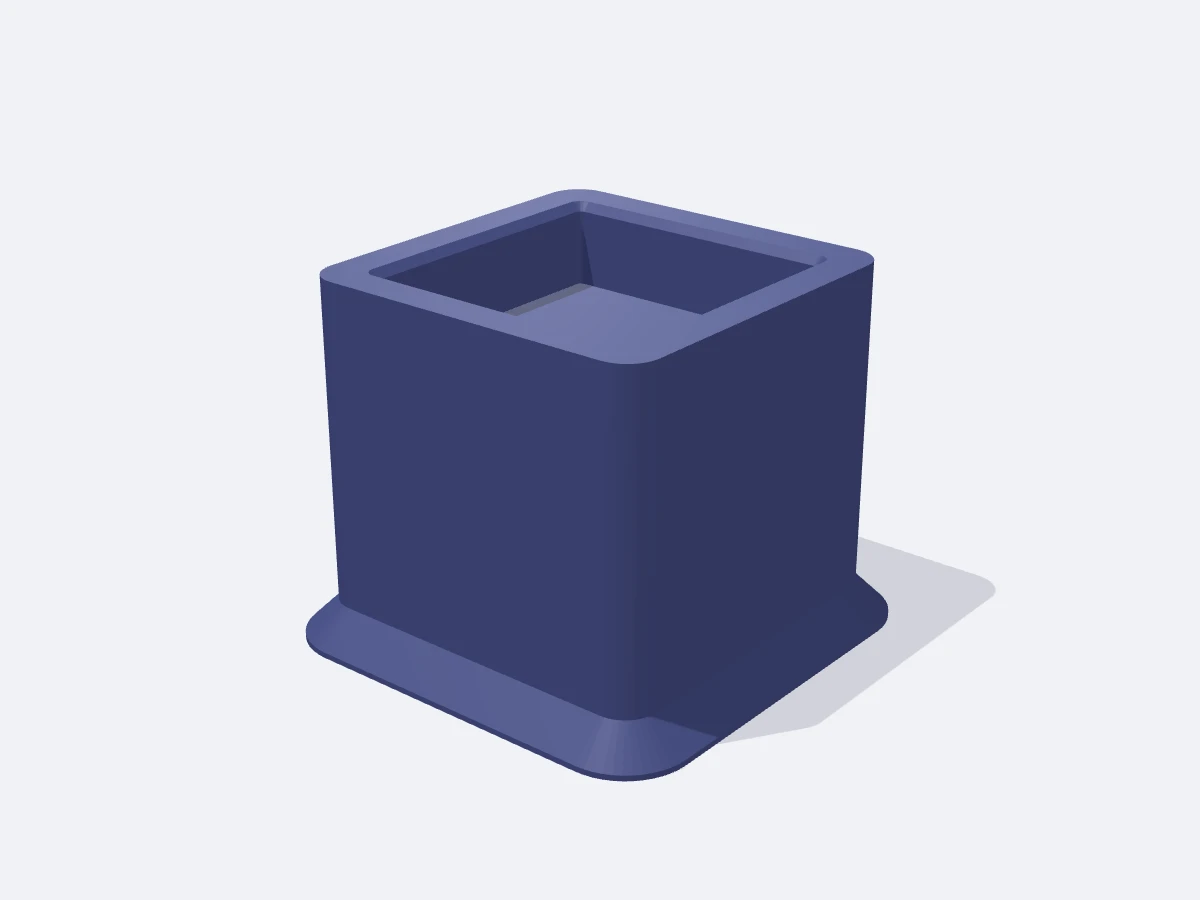
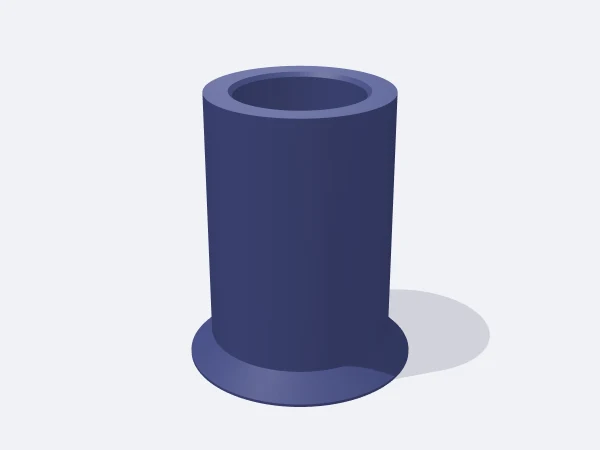
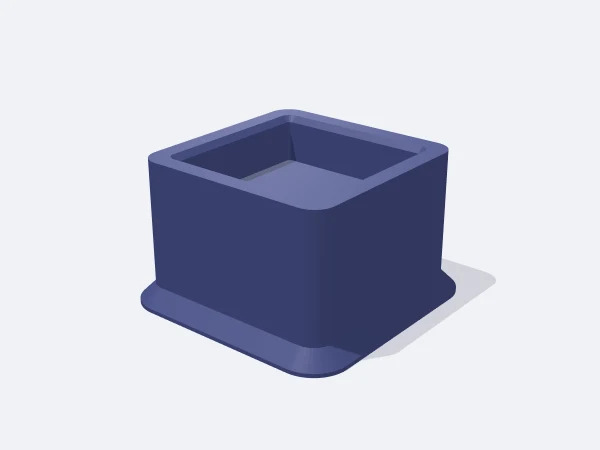
This tool builds a riser that goes under the leg of a bed, desk, sofa or cabinet and exports it as STL. Enter the leg size, the lift height (20-150 mm) and the socket depth in millimetres; the leg sits in the socket on top and the socket floor is exactly at the lift height.

Socket size is leg size plus twice the tolerance, so a 50 mm leg with the default 0.5 mm tolerance gets a 51 mm socket. The base widens with a 45° chamfer to spread load and resist tipping. Honeycomb partitions save material, and concentric V grooves underneath reduce sliding.

Free, no sign-up. Change the sizes in millimetres and download the STL.

Square furniture riser with a leg socket

Ready-made variants

Each variant is the same template with different settings. Follow the link and the editor opens with those values.

Adjustable sizes

These values are edited in the editor's template panel. A number outside the range is clamped to the nearest limit automatically.

SizeRangeDefault
Shape
Base shapeSquare, RoundSquare
Leg socketSquare, RoundSquare
Dimensions
Lift height20–150 mm50 mm
Leg size20–120 mm50 mm
Socket tolerance0–2 mm0.5 mm
Socket depth5–60 mm15 mm
Socket wall3–30 mm8 mm
Base flare (45°)0–30 mm6 mm
Floor thickness3–20 mm5 mm
Options
Honeycomb lighteningOn / OffOn
Honeycomb cell size *6–30 mm12 mm
Honeycomb wall *1.2–6 mm2.4 mm
Anti-slip bottomOn / OffOn

Sizes marked with a star appear in the panel only when the related shape, style or option is active.

What it is used for

  • Raising a bed to fit storage boxes underneath
  • Lifting a work desk a few centimetres to suit your height
  • Clearing space for a robot vacuum under a sofa or armchair
  • Levelling a kitchen cabinet or washing machine on a slight slope

Printing tips

Orientation
Base on the bed, leg socket facing up. Honeycomb cells are open at the bottom with 45° pyramid roofs, so no supports are needed.
Layer height
0.2-0.28 mm layers. The load is vertical, so layer height has little effect on strength.
Infill
At least 4 walls (1.6 mm or more) and 40% or more gyroid or cubic infill. For heavy furniture go to 6 walls and 60% infill.
Supports
Not needed. The base chamfer, socket mouth chamfer, cell roofs and anti-slip grooves are all 45°.
Material
PETG is the first choice since it resists creep and impact. PLA suits light desks but can slowly crush under a bed.

Tips

  • Measure the leg with calipers; use 0.8-1 mm tolerance on wooden legs.
  • Print all four risers with the same settings.

How much load can a riser carry?

Wall count and infill decide most of the strength. Load runs from the leg into the 5 mm socket floor, then through the honeycomb walls and outer shell. The panel repeats the wall and infill advice at every setting. Tipping risk grows with lift, so use a wide base above 100 mm.

  • Desk or nightstand: PLA, 4 walls, 40% infill
  • Bed or full cabinet: PETG, 6 walls, 60% infill
  • Lift above 100 mm: base flare of 10 mm or more
What do the honeycomb and anti-slip options do?

Honeycomb hollows the volume under the socket floor with 12 mm hexagonal channels and 2.4 mm walls, cutting material and print time. Anti-slip cuts 0.8 mm deep V grooves into the base, up to 12 rings from the edge inward.

  • Save material: honeycomb on, 40% infill
  • Maximum strength: honeycomb off, solid body
  • Slippery floor: anti-slip on, felt pads can be added as well

Frequently asked questions

My leg is round but I want a square base. Is that possible?

Yes. Base and socket shapes are chosen separately. With a square socket on a round base, the body grows enough to wrap the diagonal of the square.

The leg does not fit the socket, or it is loose.

Adjust the tolerance: raise it if the leg will not go in, lower it if there is play. Tolerance is added on both sides, so 0.5 mm makes the socket 1 mm larger.

The base does not fit my print bed.

The panel warns when the base exceeds 220 mm. Reduce the base flare or the socket wall to shrink the overall size.

Similar templates

Set the sizes to fit your part

Open the template in the editor, enter your values and download a print-ready STL. No account needed.

Open in editor