Home and desk

L bracket: type both arm lengths, set holes and rib

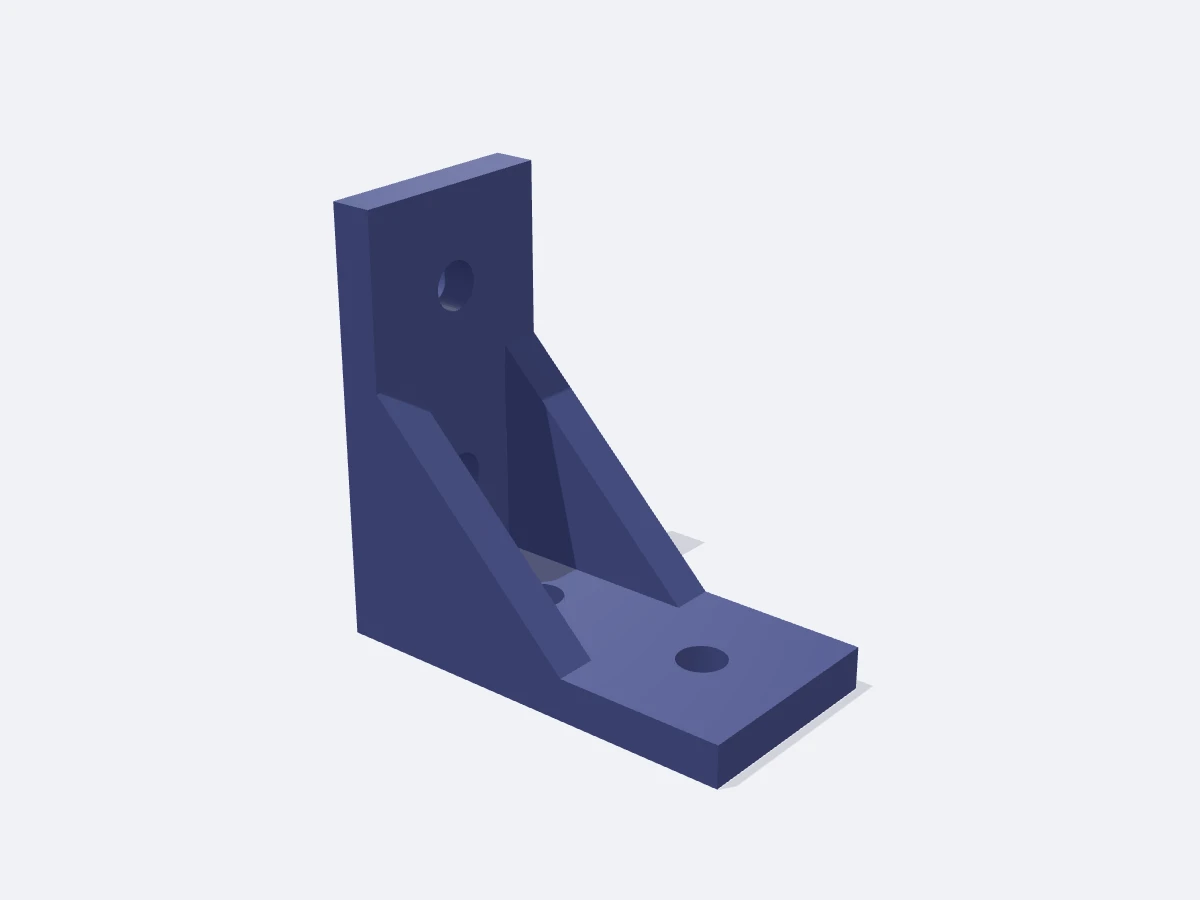
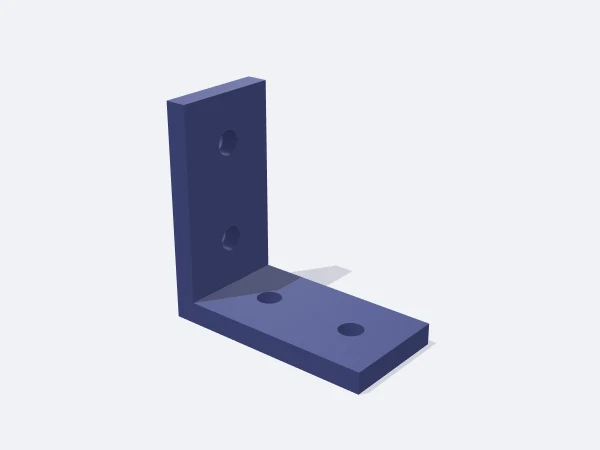
This page opens the DrawSTL L bracket template: a parametric right-angle corner bracket with screw holes that you size in millimetres and download as a print-ready STL. You give the horizontal arm, the vertical arm, the width and the thickness, and the holes are spaced evenly along each arm.

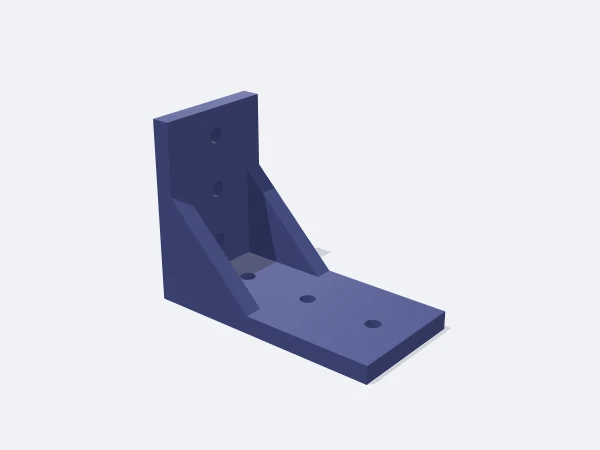
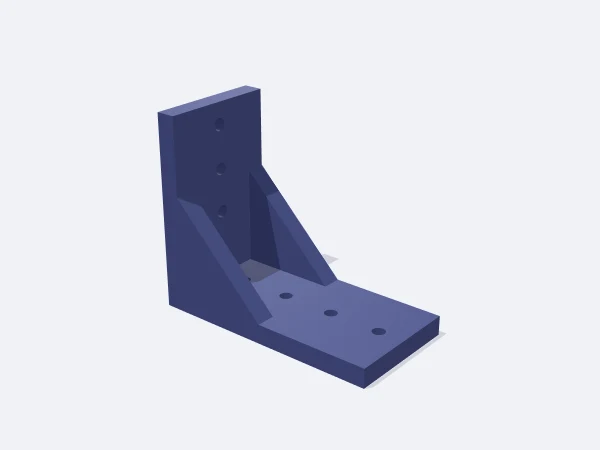
The reinforcing rib adds a triangular gusset in the inside corner, raising resistance to the bracket opening under load. Above three times the thickness in width, two ribs sit at the edges; narrower brackets get one down the middle. Set the hole diameter to zero for a plain angle.

Free, no sign-up. Change the sizes in millimetres and download the STL.

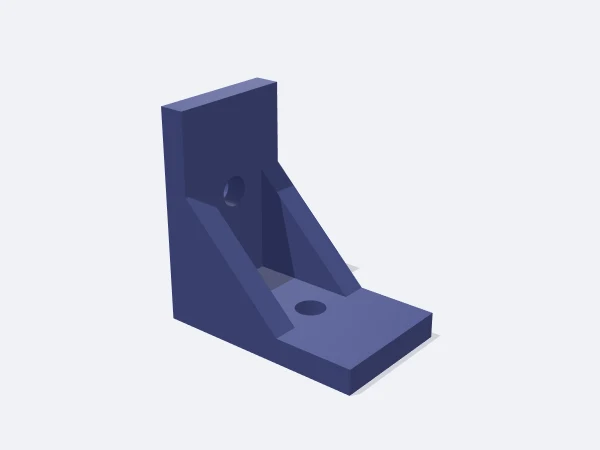
DrawSTL L bracket template: two arms meeting at a right angle with screw holes in each arm and a triangular rib in the corner

Ready-made variants

Each variant is the same template with different settings. Follow the link and the editor opens with those values.

Adjustable sizes

These values are edited in the editor's template panel. A number outside the range is clamped to the nearest limit automatically.

SizeRangeDefault
Arm A (flat)10–300 mm40 mm
Arm B (upright)10–300 mm40 mm
Width5–200 mm20 mm
Thickness1.5–20 mm4 mm
Hole Ø0–20 mm4.5 mm
Holes per arm1–42
Reinforcing ribOn / OffOn

What it is used for

  • Joining shelf, panel and board corners
  • Mounting a cable tray, socket or power brick under a desk
  • Fixing dividers and hanging systems inside a cabinet
  • Holding plywood and sheet joints square
  • Standing a sensor, camera or small PCB perpendicular to a surface

Printing tips

Orientation
The template builds it with the horizontal arm on the bed. For load-bearing use, lay it on its side face in the slicer so the layers run straight through the corner and cannot delaminate.
Layer height
0.2 mm. On heavy brackets 8 mm thick and up, 0.28 mm saves time.
Infill
50% and up if it carries load. Raising the wall count to 4 helps the corner more than extra infill does.
Supports
None, in the default orientation and laid on its side alike.
Material
PETG is the best all-round pick for corner loading and impact. Use ASA for sun exposure; PLA is fine indoors under light load.

Tips

  • Make the hole 0.5 mm larger than the screw shank; the screw head forms its own seat in plastic.
  • More holes means tighter spacing, and the template skips a hole that no longer fits the arm.
  • When mounting into a wall, use the bracket itself as the drilling template.

How thickness and width relate to load

What the bracket holds depends mostly on thickness and width. Thickness raises bending resistance at the corner quickly, while width spreads load so the screws do not tear through the plastic. Longer arms work the other way, since the moment at the corner grows with arm length.

As a rough scale, 4 mm thick and 20 mm wide handles light shelving and panel work. A book shelf or tool holder wants 6-8 mm thick and 40 mm wide. Where real structural load is involved, a metal bracket is the right call.

  • 3-4 mm thick: panels, cable trays, light covers
  • 5-6 mm thick: small shelves, display and camera mounts
  • 8-10 mm thick: tool hangers, loaded dividers
  • Rib on: a noticeably stiffer corner at the same thickness

Why layer direction matters here

An FDM part is weakest between layers. Printed with the horizontal arm on the bed, the natural fracture plane at the corner lines up with a layer boundary, so a loaded bracket tries to split right across it.

Printing it on its side face removes that weakness: the layers pass through both arms and leave the corner as continuous material. Choose that for load-bearing brackets and stay with the default when surface finish matters more.

Frequently asked questions

Why is a hole missing or unevenly spaced?

Holes are distributed evenly over each arm's usable length. If the diameter no longer fits that spacing, the template skips that hole. Reduce the count or lengthen the arm.

How do I pick the hole diameter for my screw?

Add 0.5 mm to the screw shank diameter. For an M4 screw, 4.5 mm works well; drill it clean if it still binds.

Does the rib actually help?

Yes. The triangular gusset stops the corner from opening and gives a stiffer bracket at the same thickness. Turn it off when it gets in the way.

Can I get an angle other than 90 degrees?

The template only makes right angles. For another angle, add the bracket in the editor and edit it with rotation and cut operations.

Similar templates

Set the sizes to fit your part

Open the template in the editor, enter your values and download a print-ready STL. No account needed.

Open in editor