Mechanical

Hex nut: pick a standard M size or dial in your own

This page opens the DrawSTL hex nut template: a parametric ISO metric internally threaded nut that you size in millimetres and download as a print-ready STL. Pick a standard size from M3 to M12 and the across-flats, nut height and coarse pitch all come from the ISO table, so there is nothing to look up.

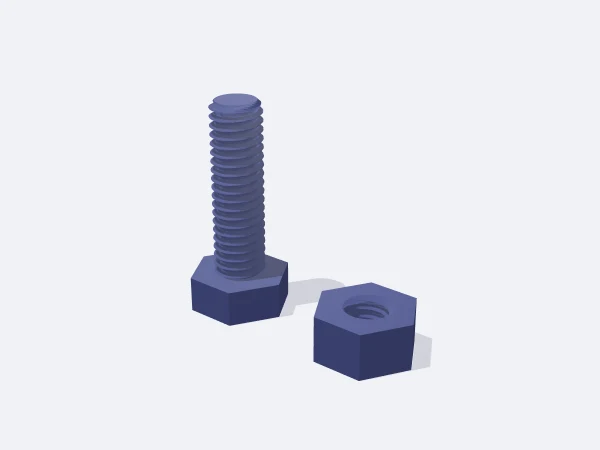
The custom option lets you set across-flats, height, thread diameter and pitch yourself, which is how you build a large hand-tightened knob nut or a nut for a non-standard shaft. The thread matches the bolt template, so parts from the two mate.

Free, no sign-up. Change the sizes in millimetres and download the STL.

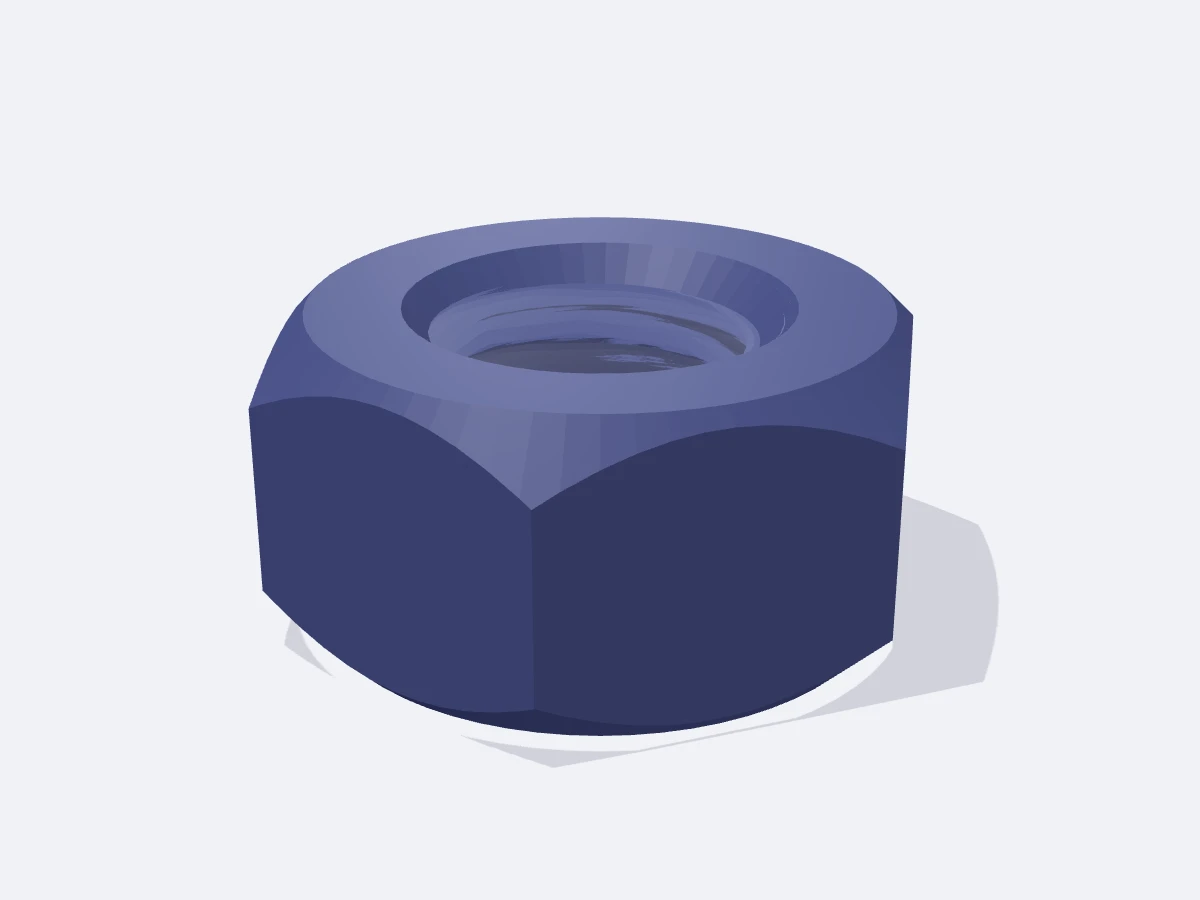
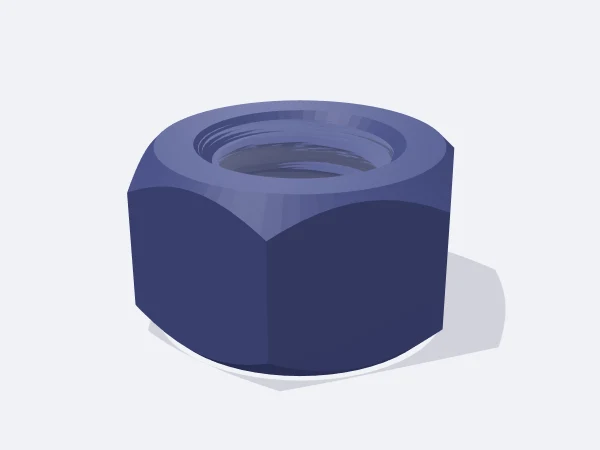
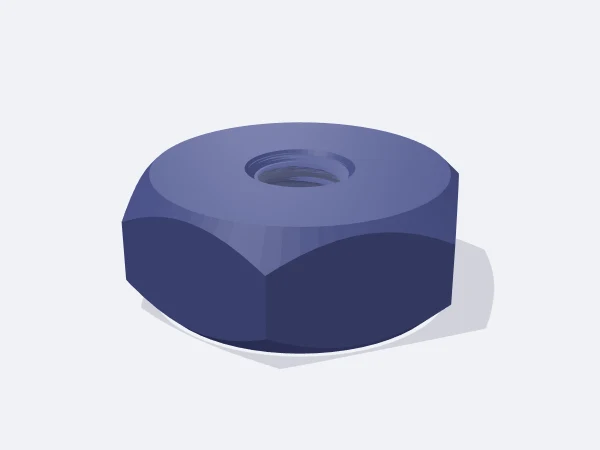
DrawSTL hex nut template: a plastic hex nut with 45 degree chamfers on both faces and an ISO metric internal thread

Ready-made variants

Each variant is the same template with different settings. Follow the link and the editor opens with those values.

Adjustable sizes

These values are edited in the editor's template panel. A number outside the range is clamped to the nearest limit automatically.

SizeRangeDefault
Shape
SizeM3, M4, M5, M6, M8, M10, M12, CustomM6
Dimensions
Across flats *5–60 mm10 mm
Nut height *1.5–40 mm5 mm
Thread diameter *2–40 mm6 mm
Thread pitch *0.3–4 mm1 mm
Print tolerance0–0.6 mm0.2 mm

Sizes marked with a star appear in the panel only when the related shape, style or option is active.

What it is used for

  • The matching half for a bolt printed from the bolt template
  • Non-conductive fasteners where metal hardware is unwanted
  • Large hand-turned knob nuts and adjustment nuts
  • A stopgap replacement for a lost odd-sized nut
  • Captive nuts embedded inside a printed part

Printing tips

Orientation
Print it lying flat with the thread axis vertical. The 45 degree chamfers on both faces do not interfere with the seating surface.
Layer height
0.12 mm recommended. The flanks are short overhangs, and thinner layers flatten the flank and smooth the turning action.
Infill
50% and up is plenty, with at least 3 walls.
Supports
None. The internal thread climbs as a helix and the chamfers are 45 degrees.
Material
PETG resists thread splitting under clamping load better than PLA. Use ABS or ASA near heat.

Tips

  • The template guarantees at least 0.8 mm of wall around the thread; on custom sizes an undersized across-flats value is enlarged automatically.
  • A pitch that is too coarse for the diameter is limited to a quarter of the diameter, and the panel reports the value used.
  • For a captive nut, design the pocket about 0.2 mm larger than the across-flats dimension.

Standard sizes versus custom sizes

Choose a standard size and every dimension comes from the ISO table: M6 gives 10 mm across-flats, 5.2 mm height and a 1 mm coarse pitch. These match a shop-bought steel nut, so the printed part fits a standard bolt.

Custom mode applies two limits. Across-flats is kept large enough to leave at least 0.8 mm of wall around the thread and is enlarged if your value is too small. Pitch cannot exceed a quarter of the diameter, because a coarser pitch would cut deeper than the wall is thick.

  • Standard M3-M12: matches steel hardware, nothing to look up
  • Custom: large hand knobs, adjustment nuts, non-standard shafts
  • Extra height means more engaged threads and better strip resistance
  • Larger across-flats makes the nut easier to turn by hand
Keeping a printed thread from stripping

The usual failure of a plastic internal thread is stripping under load. Strength scales with the number of engaged threads, so the simplest fix is raising the nut height to one and a half or two times the standard value.

The second factor is layer direction. Printed flat, the layers run perpendicular to the thread axis and load is carried within the layer plane. Printing on its side would load the layer bond instead, which is why the template orients it flat.

Frequently asked questions

Will this nut fit a metal bolt?

Set tolerance to 0 for nominal ISO geometry, which fits most steel bolts. Expect to clean the thread, and do not apply metal-grade torque.

How is it different from the nut in the bolt template?

The thread is identical. This template also covers M12 and custom sizes, adds 45 degree chamfers and thread lead-in countersinks, and lets you print a nut on its own.

Why did my custom value change?

Across-flats is enlarged to keep at least 0.8 mm of wall around the thread, and pitch is capped at a quarter of the diameter. The panel reports the value actually used.

Can I embed the nut inside a printed part?

Yes, that is a common trick. Make the pocket roughly 0.2 mm larger than the across-flats size and drop the nut in during a paused print.

Similar templates

Set the sizes to fit your part

Open the template in the editor, enter your values and download a print-ready STL. No account needed.

Open in editor