Home and desk

Make a cable grommet that fits your desk hole

This tool builds a flanged cable grommet and its cap for the cable hole in your desk and exports both parts as one STL. Choose a standard 35, 50, 60 or 80 mm hole or enter your own diameter.

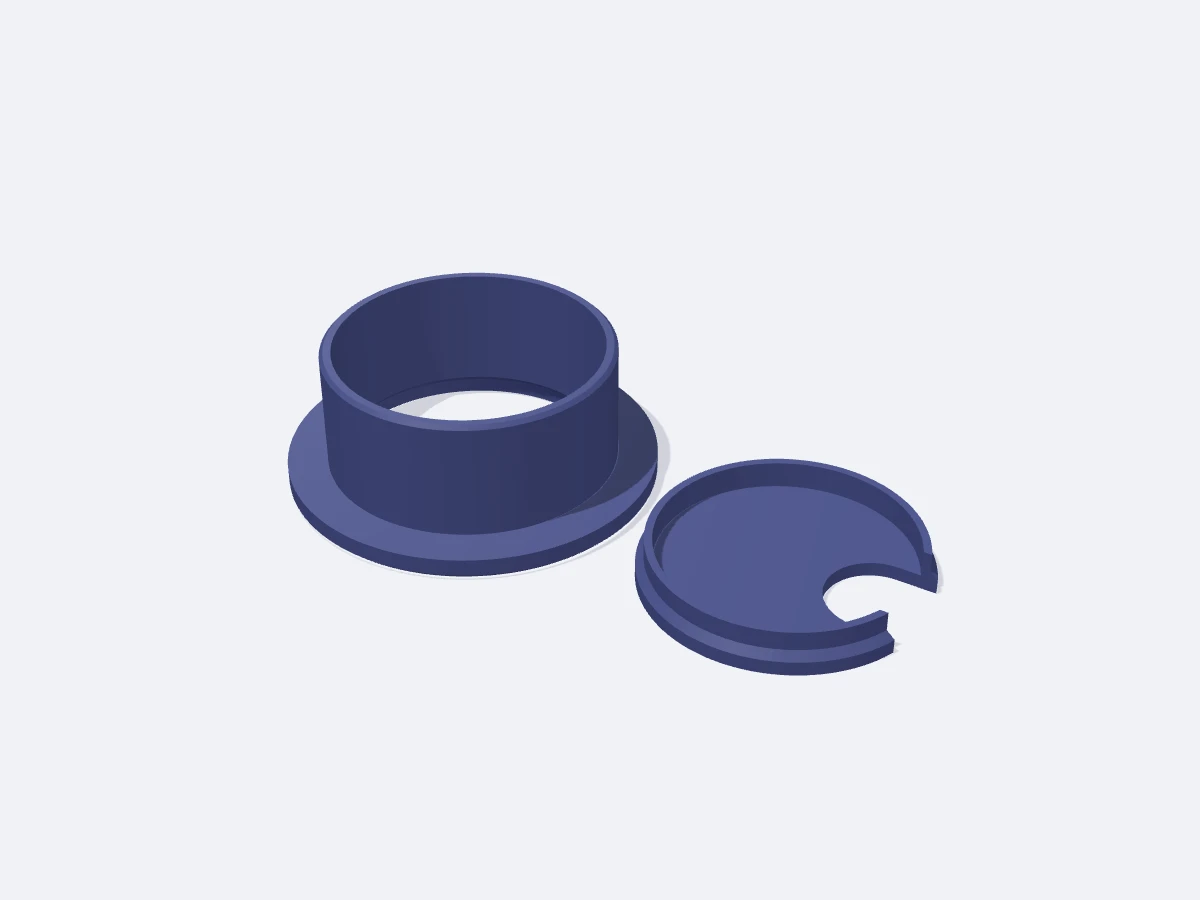
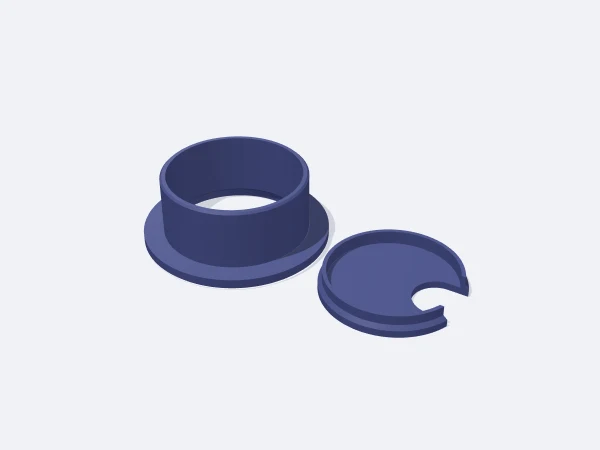
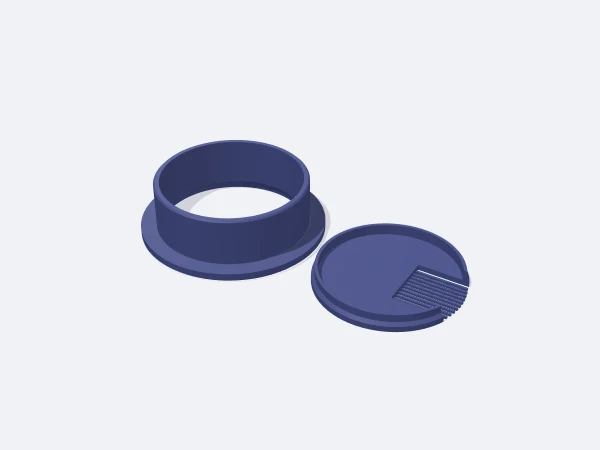
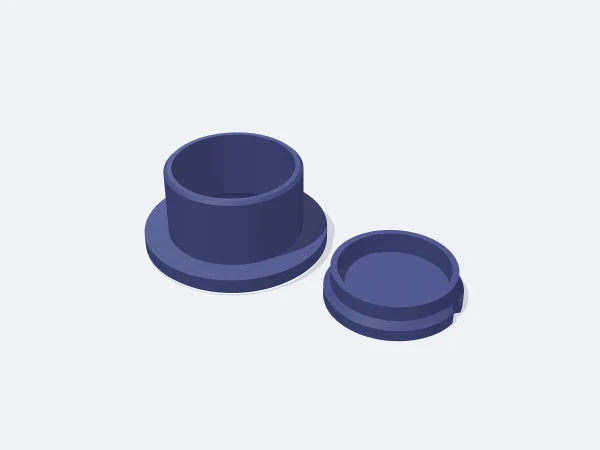
The body outer diameter is the hole size minus the fit tolerance and its length equals the desk thickness, while the flange covers the hole edge. The cap seats in a 45° counterbore in the flange with the same tolerance and sits flush with it; a skirt underneath keeps it centred. A slotted cap lets cables out through an edge notch, a comb cap passes cables anywhere between thin flexible teeth, and a closed cap covers an unused hole.

Free, no sign-up. Change the sizes in millimetres and download the STL.

Flanged desk cable grommet with a slotted cap

Ready-made variants

Each variant is the same template with different settings. Follow the link and the editor opens with those values.

Adjustable sizes

These values are edited in the editor's template panel. A number outside the range is clamped to the nearest limit automatically.

SizeRangeDefault
Shape
Standard hole35 mm, 50 mm, 60 mm, 80 mm60 mm
Cap typeSlotted, Comb teeth, ClosedSlotted
Dimensions
Hole diameter25–100 mm60 mm
Desk thickness15–40 mm25 mm
Flange width3–20 mm8 mm
Fit tolerance0.1–1.5 mm0.4 mm
Cap
Slot width *8–40 mm20 mm

Sizes marked with a star appear in the panel only when the related shape, style or option is active.

What it is used for

  • Routing monitor and charger cables down through a work desk
  • Covering an unused hole in a meeting table
  • A tidy finish for a cable hole in a kitchen counter
  • Replacing a broken or missing grommet with the same size

Printing tips

Orientation
Print the body flange down and the cap top face down. Both parts print side by side in one job.
Layer height
0.2 mm layers. The visible flange and cap top face the bed, so they come out smooth.
Infill
20 percent infill and 3 walls are enough.
Supports
Not needed. The counterbore and cap skirt finish at 45°.
Material
PLA is fine. If the comb cap will be used a lot, print it in PETG so the teeth keep flexing.

Tips

  • Measure the hole in a few places with calipers and enter the smallest value.
  • If the cap is tight, add 0.1 mm tolerance and reprint only the cap.

Which hole size and tolerance should I choose?

Office desks mostly use 60 and 80 mm holes, smaller desks 35 and 50 mm. Drilled holes are usually slightly oversize, and holes in laminated chipboard are often uneven. The default 0.4 mm tolerance pushes in by hand in most holes.

  • Snug fit: 0.2-0.3 mm
  • General use: 0.4 mm
  • Uneven or painted hole: 0.6-0.8 mm

What is the difference between the caps?

The slotted cap has a round ended notch from the edge towards the centre where cables come out. The comb cap has a wider notch with 1.2 mm flexible teeth on top: you press cables between the teeth and dust or small items do not drop through. The closed cap only has a lift recess at the edge.

  • One or two thick cables: slotted
  • Many thin cables: comb
  • Unused hole: closed

Frequently asked questions

What if my desk has a different thickness?

The body length equals the desk thickness, from 15 to 40 mm. On a thicker desk the body is simply shorter and not visible from below.

Does the cap rotate?

Yes, it turns freely in the counterbore. Turn the slot towards your cables and leave it there.

Can I make a hole larger than 100 mm?

The tool goes up to 100 mm; at that size the body and cap still fit a 220 mm bed together.

Similar templates

Set the sizes to fit your part

Open the template in the editor, enter your values and download a print-ready STL. No account needed.

Open in editor