Personal

Name tag: type your text and get a raised-letter plate

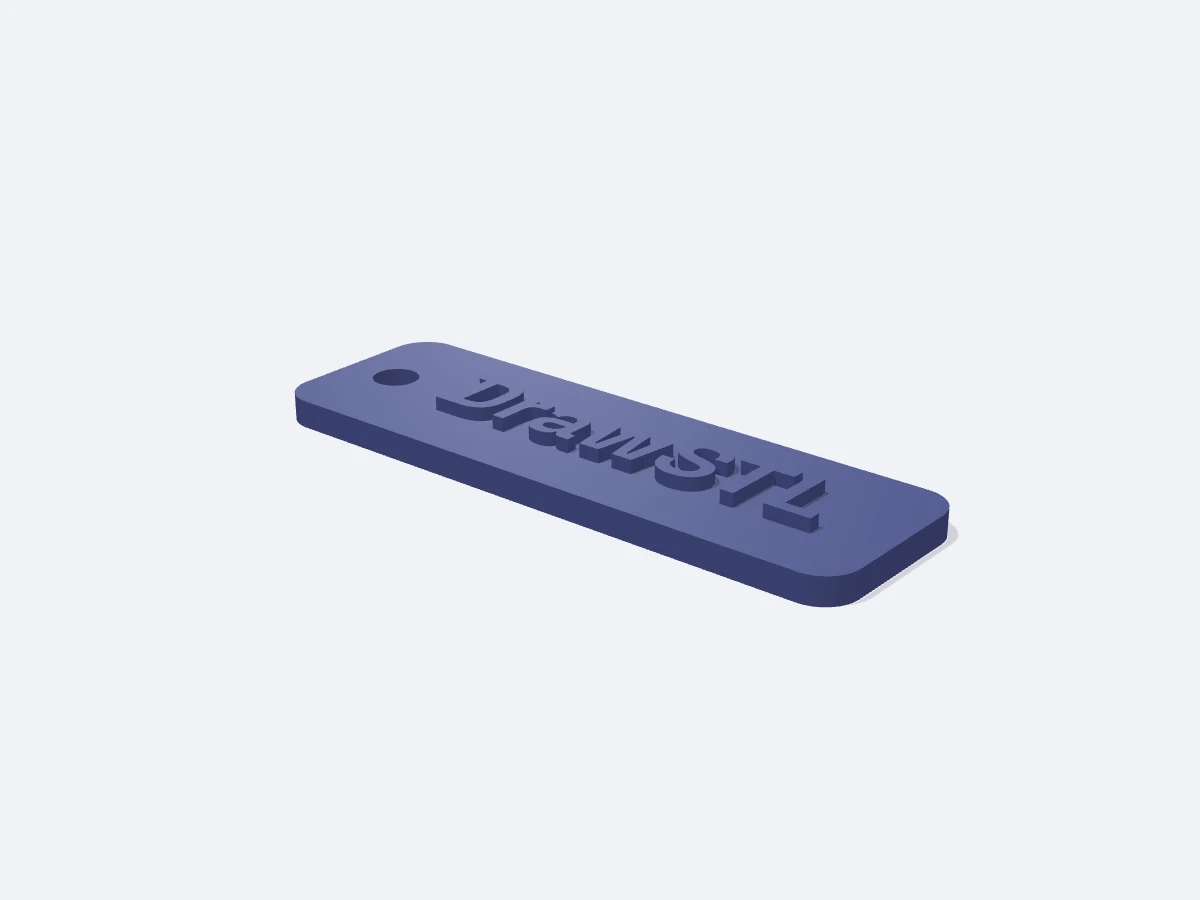
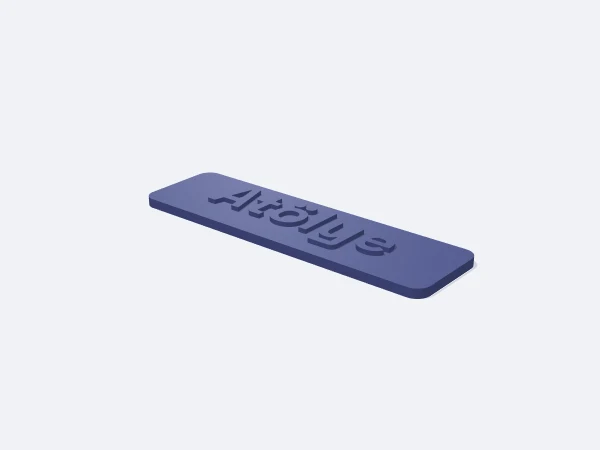
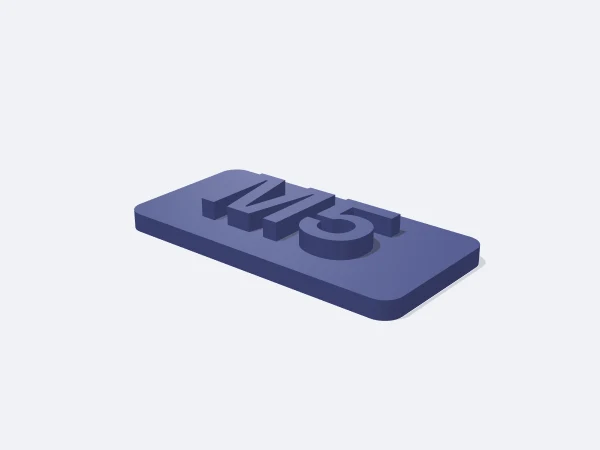
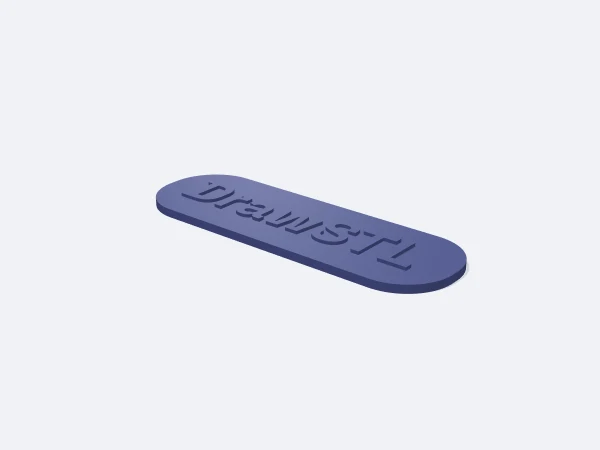
This page opens the DrawSTL name tag template: a parametric rectangular plate carrying your text as raised letters, or a key tag with a ring hole, sized in millimetres and downloaded as a print-ready STL. Type any text, accented characters included, and the glyph outlines become solid geometry.

The text is centred and shrunk automatically if it does not fit, so a long name never overflows. Relief height sets how far the letters stand off the face. The ring option cuts a 5 mm hole near the left edge, added only when the plate is large enough to carry it.

Free, no sign-up. Change the sizes in millimetres and download the STL.

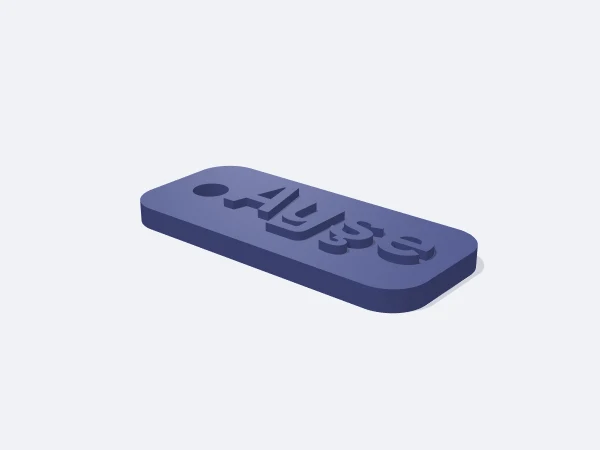
DrawSTL name tag template: a rounded-corner plate with raised lettering and a key ring hole near the left edge

Ready-made variants

Each variant is the same template with different settings. Follow the link and the editor opens with those values.

Adjustable sizes

These values are edited in the editor's template panel. A number outside the range is clamped to the nearest limit automatically.

SizeRangeDefault
TextUp to 32 charactersDrawSTL
Text height3–40 mm8 mm
Plate width20–300 mm70 mm
Plate height10–150 mm22 mm
Plate thickness1–10 mm3 mm
Relief0.2–10 mm1.5 mm
Corner radius0–20 mm4 mm
Key ring holeOn / OffOn

What it is used for

  • Door, cabinet and drawer name plates
  • Key tags, luggage and bag tags
  • Content labels for screw and parts bins
  • Conference and workshop name badges
  • Markers for plant pots, cables and power strips

Printing tips

Orientation
The plate lies flat on the bed with the raised text facing up. No rotation needed.
Layer height
0.16 mm. For small text at 8 mm and below, 0.12 mm visibly cleans up the letter edges.
Infill
15% is enough. Raising the top layer count to 4 or 5 smooths the tops of the letters.
Supports
None. Every face of the raised lettering is vertical.
Material
PLA gives the crispest detail and the widest colour choice. Use PETG or ASA for outdoor or sunlit placement.

Tips

  • For a two-colour plate, add a filament change in the slicer at the layer where the relief begins.
  • A relief under 0.6 mm is only two or three layers tall and reads poorly.
  • For a key tag, keep the plate at least 2.5 mm thick or the material around the ring hole will crack.

Letter height, relief and legibility

Letter height is the cap height of the text, while relief is how far it rises above the face. The two are independent: you can print 20 mm letters with only 1 mm of relief. Legibility follows letter height, and how the text feels under a finger follows relief.

A door plate read from across the room wants 15 to 20 mm letters, while a key tag held in the hand works at 8 to 10 mm. For relief, 1 to 1.5 mm is right in most cases; 3 mm and up makes a two-colour print easy to execute.

  • 6-8 mm text: key tags and small bin labels
  • 10-14 mm text: cabinet, drawer and shelf labels
  • 16-24 mm text: door plates and signage read from a distance
  • 0.8-1.5 mm relief as standard, 2-4 mm for two-colour prints
What happens when the text does not fit

The template centres the text and keeps a margin at the edges. If what you typed is wider than that area, the letters are generated smaller than the height you asked for, so nothing overflows but your chosen size is not kept. Widen the plate or shorten the text to keep it.

With the ring option on, the hole and its margin are taken out of the text area, so the same text prints smaller. The hole is only added when the plate is wider than 20 mm and tall enough.

Frequently asked questions

Do accented and Turkish characters work?

Yes, the bundled font covers them. Any character the font does not contain is simply dropped from the text.

Why did my text come out smaller than I set?

It is scaled down automatically when it does not fit the plate. Widen the plate or shorten the text to keep your chosen letter height.

How do I print it in two colours?

Add a colour change in the slicer at the first layer of the relief. The plate prints in colour one and the lettering in colour two.

Can I have more than one line of text?

Text is handled as a single line. For two lines, print two plates and mount them together, or combine two plates in the editor.

How big is the ring hole?

It is 5 mm in diameter and sits near the left edge. On plates narrower than 20 mm or very short ones, no hole is added.

Similar templates

Set the sizes to fit your part

Open the template in the editor, enter your values and download a print-ready STL. No account needed.

Open in editor